
CJ_Illustration | Commercial Flat Illustrator XL
 v1.1
v1.1
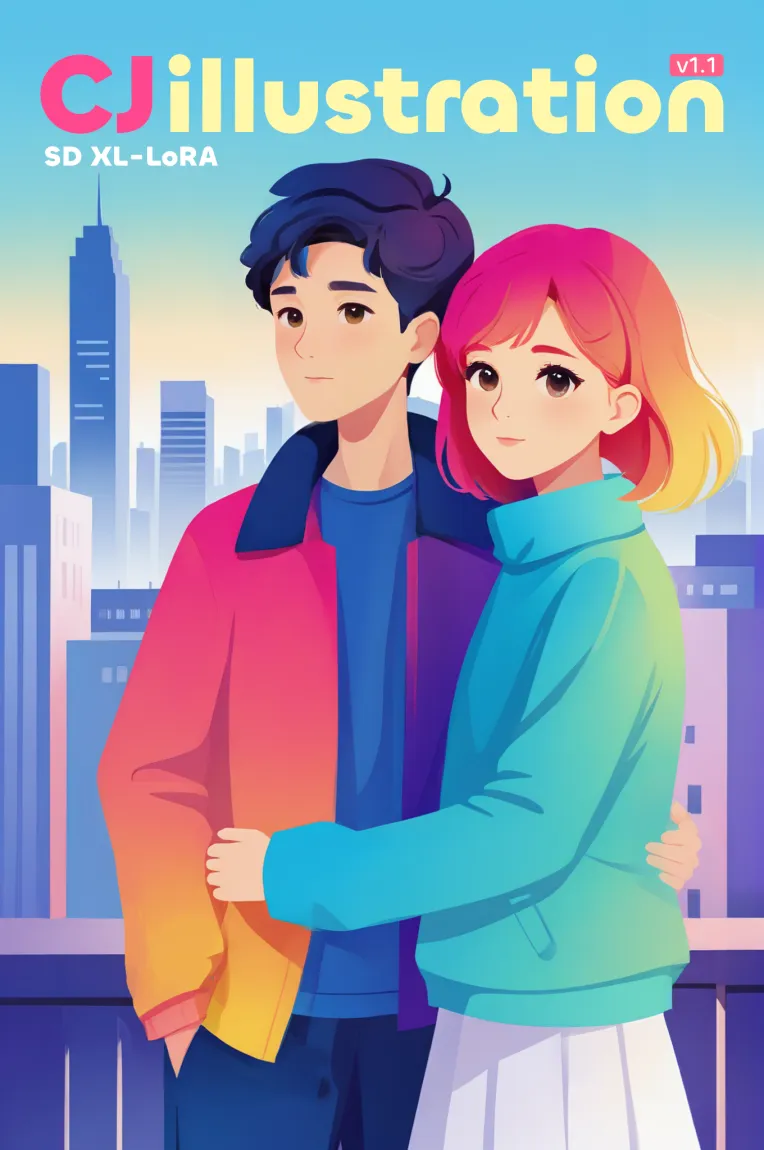
 Image info
 Image info
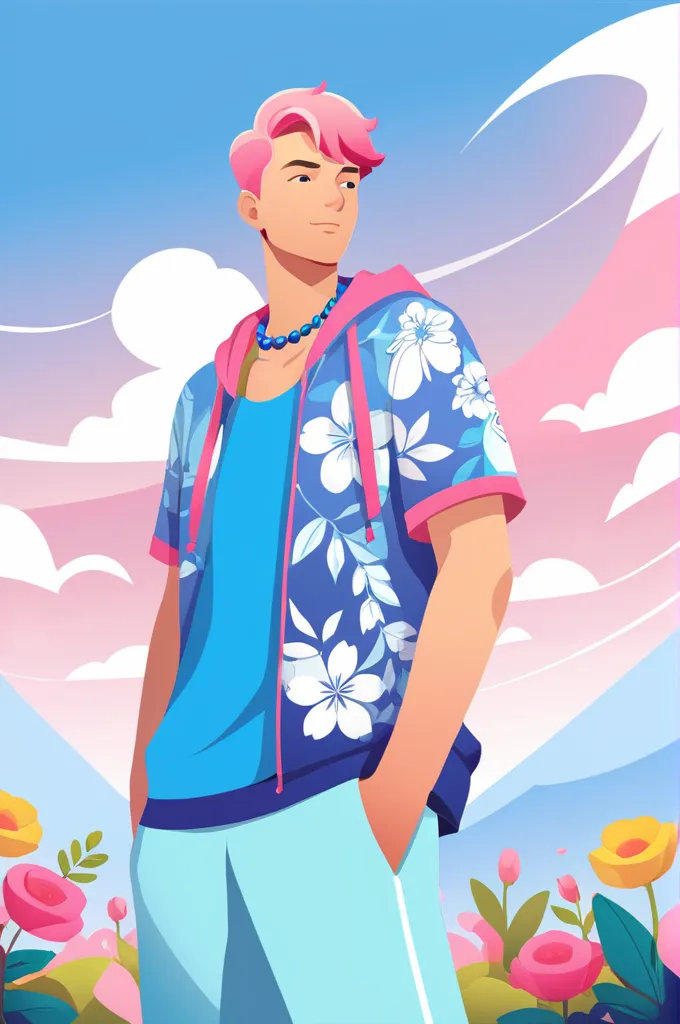 Image info
 Image info
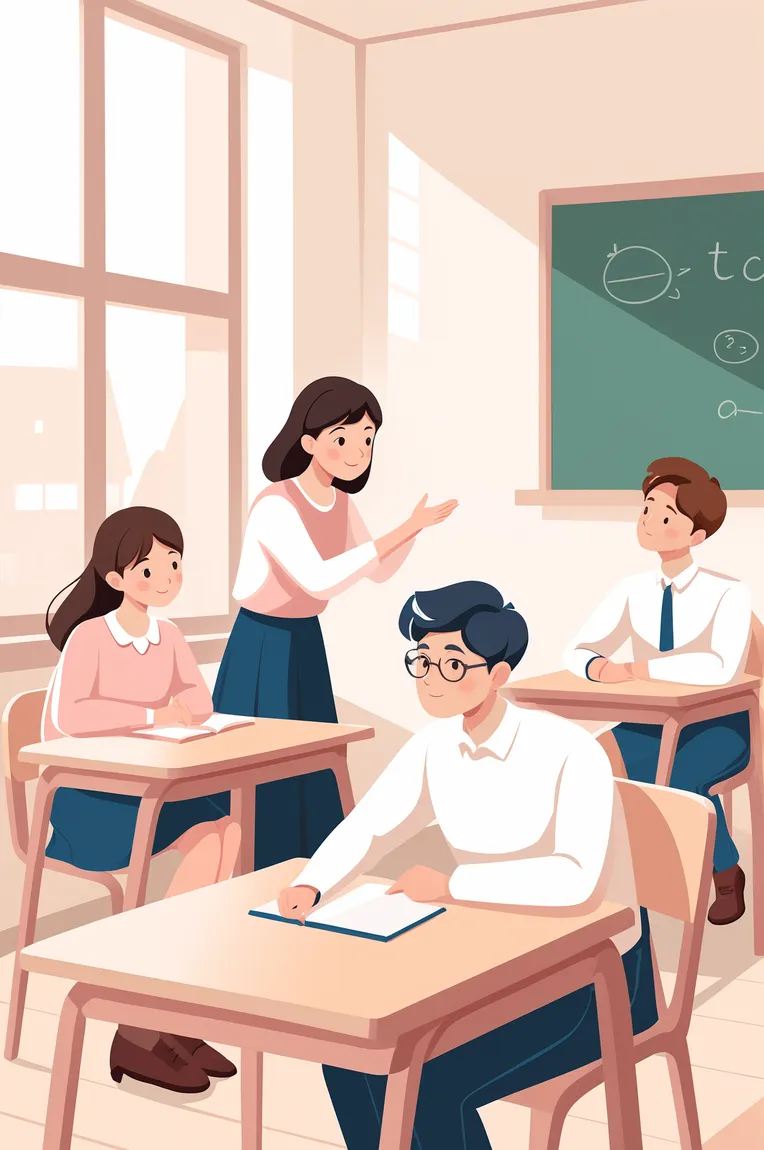 Image info
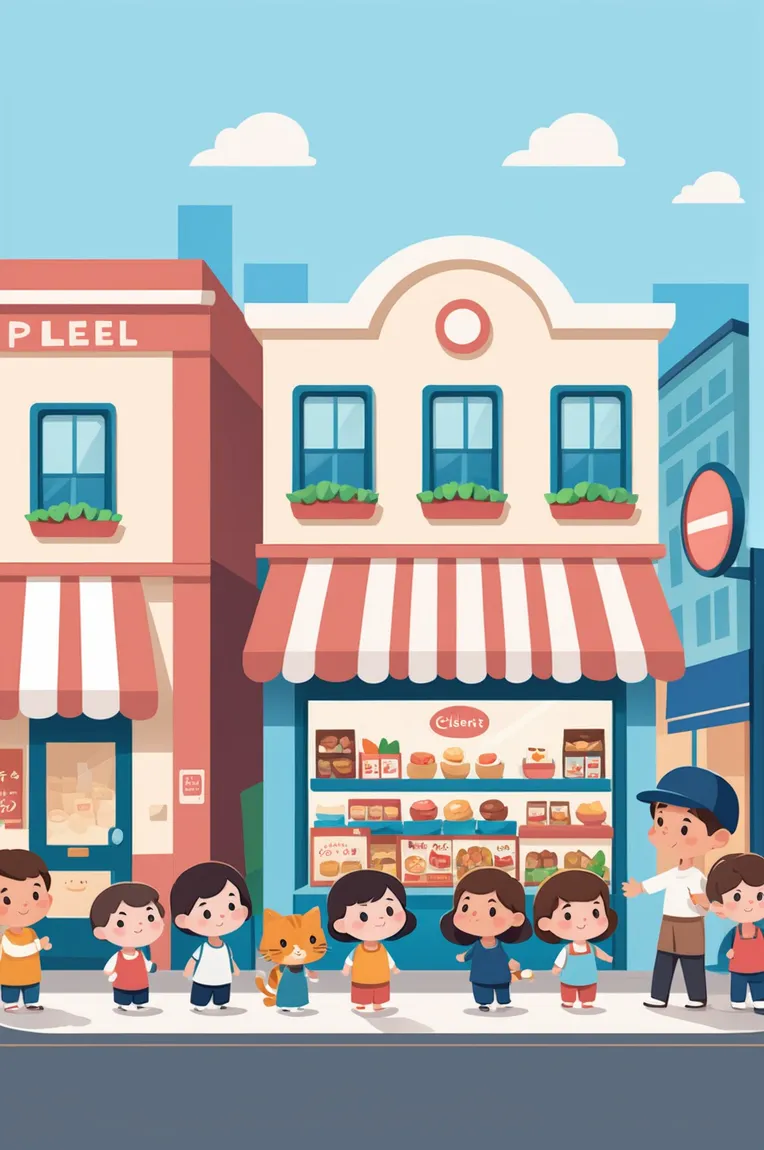 Image info
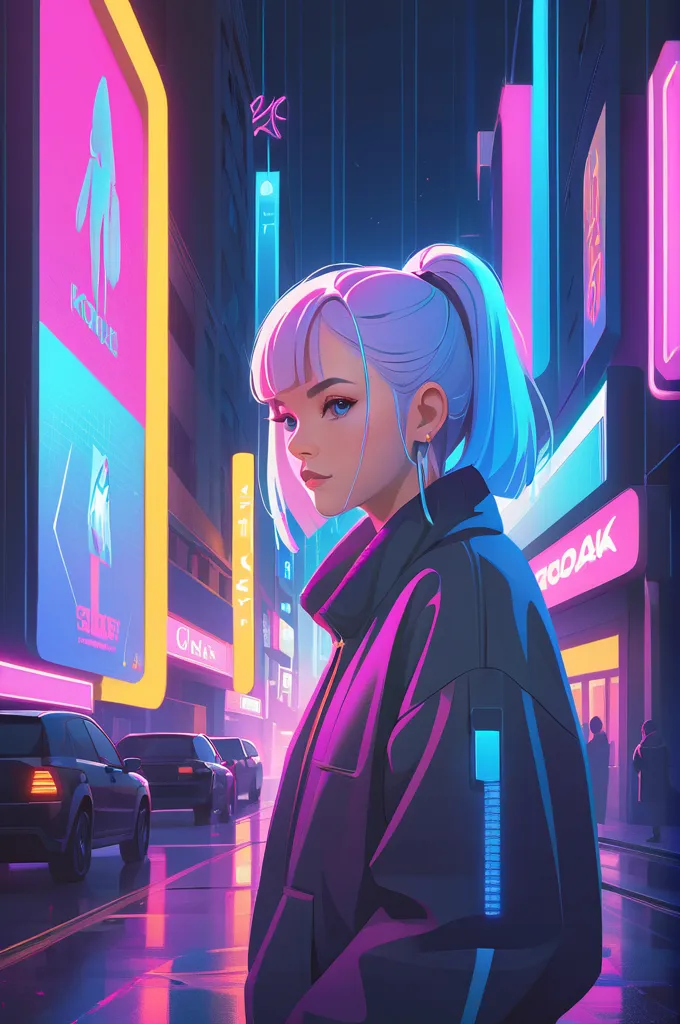 Image info
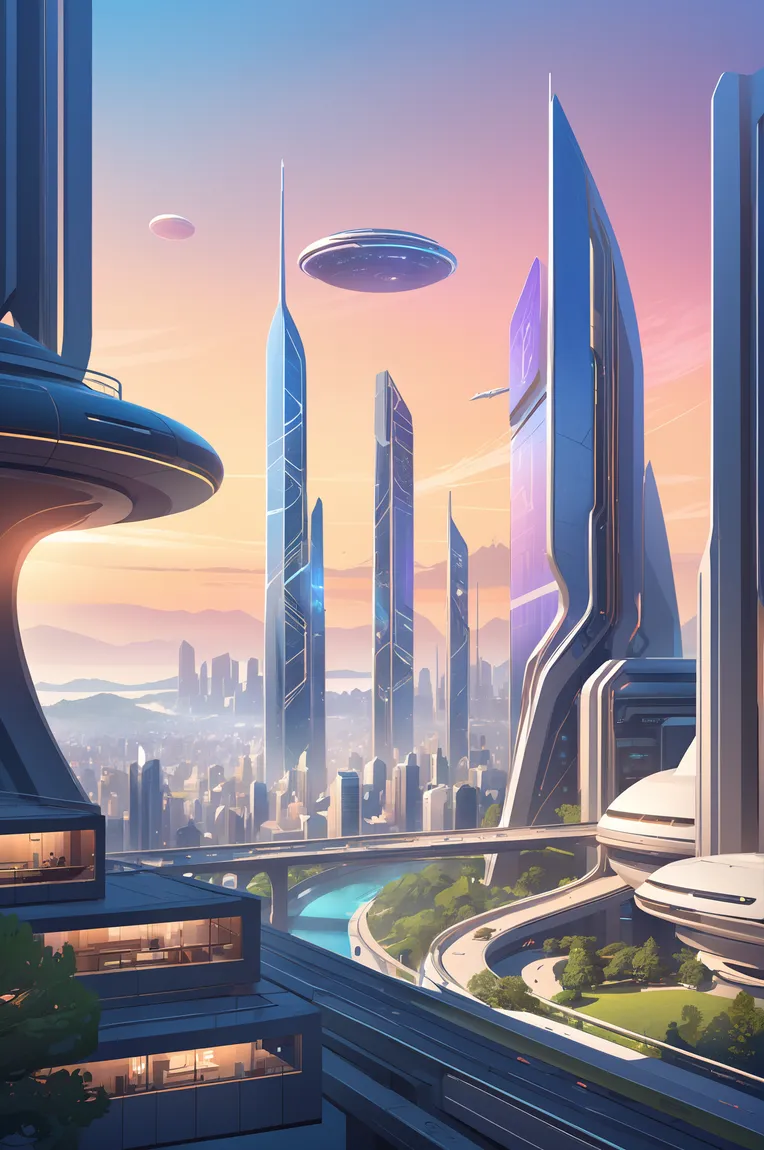 Image info
 Image info
 Image info
 Image info
 Image info
Commercial Flat Illustration XL LoRA
The iteration of version 1.1 is a summary of experience, and also relies on the release of AWPainting XL, with improvements in all aspects, whether it's the change in art style or the expressive power of the artwork, it has become more generalized.
A greater variety of illustration types are available, including internet illustration, children's drawing, cartoon, landscape drawings, and second-dimensional elements, all of which have shown good performance.
Recommended base template:AWPainting XL (strongly recommended)
Trigger word: CJ_illustration (enhanced word: Flat Illustration)
Differentiation words: Gradient color, (gradient color), Children's Illustration, chibi, (Q version cartoon) watercolor, (watercolor painting),...
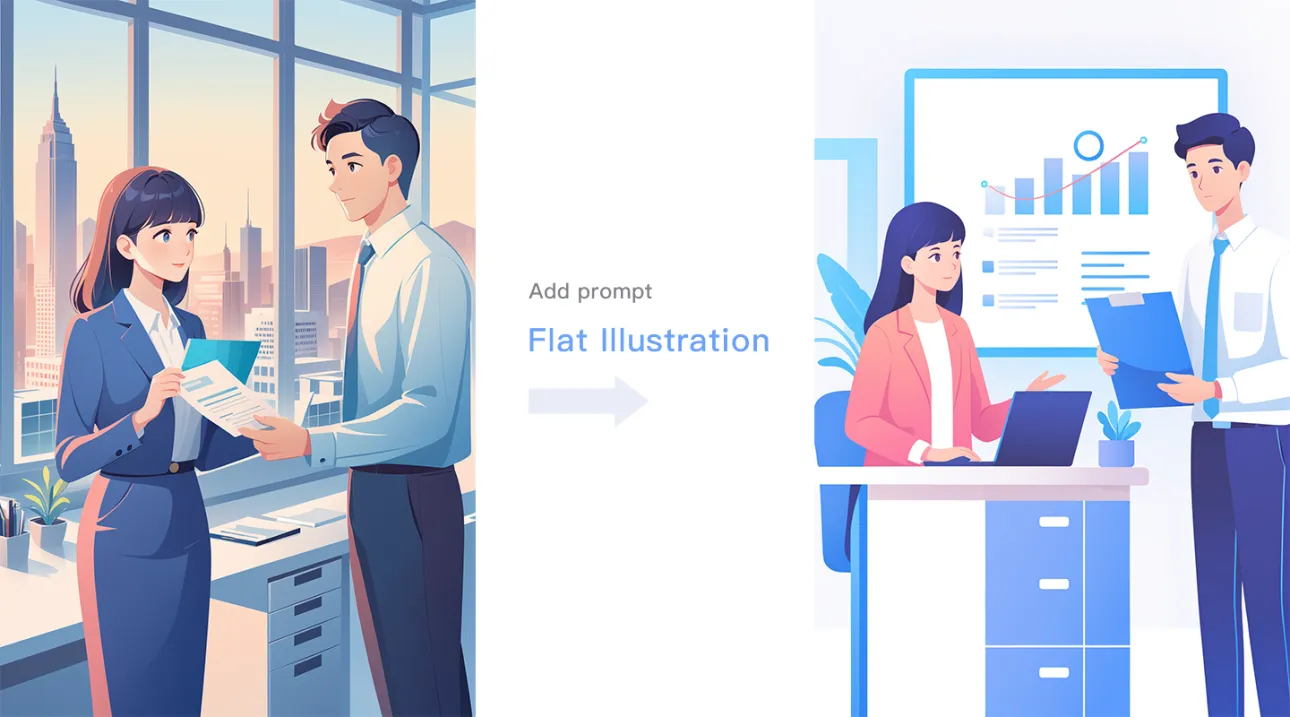
Often characterized by bean eyes (tadpole eyes), if you want a more second-dimensional eye, you can add eye description words (e.g., blue eyes) or reduce the weight.redraw range of 0.5
By default, full-screen generation is used. If you want a small scene illustration style, use the word: White background,
Other live drawing recommendations:
Live drawing dimensions: 680*1024 (portrait), 800*800 (square)Small scene illustrations are recommended to use square and landscape dimensions.
Iteration steps: 24~30
CFG: 6~7
In general, there is no need to enable high-resolution live drawing. If the output is satisfactory but the image quality is poor, you can enable "high-resolution restoration" and choose R-ESRGAN_4x+ or R-ESRGAN_4x+ Anime6B with a redraw range of 0.3~0.6. Excessive values may weaken the flat effect.
When the face appears messy or blurry, use ADetailer and select the face_yolov8n model for repair.