
【GK】Shiny Armor - Details & Gloss Enhancement Weakening 1.0
 1.0
1.0
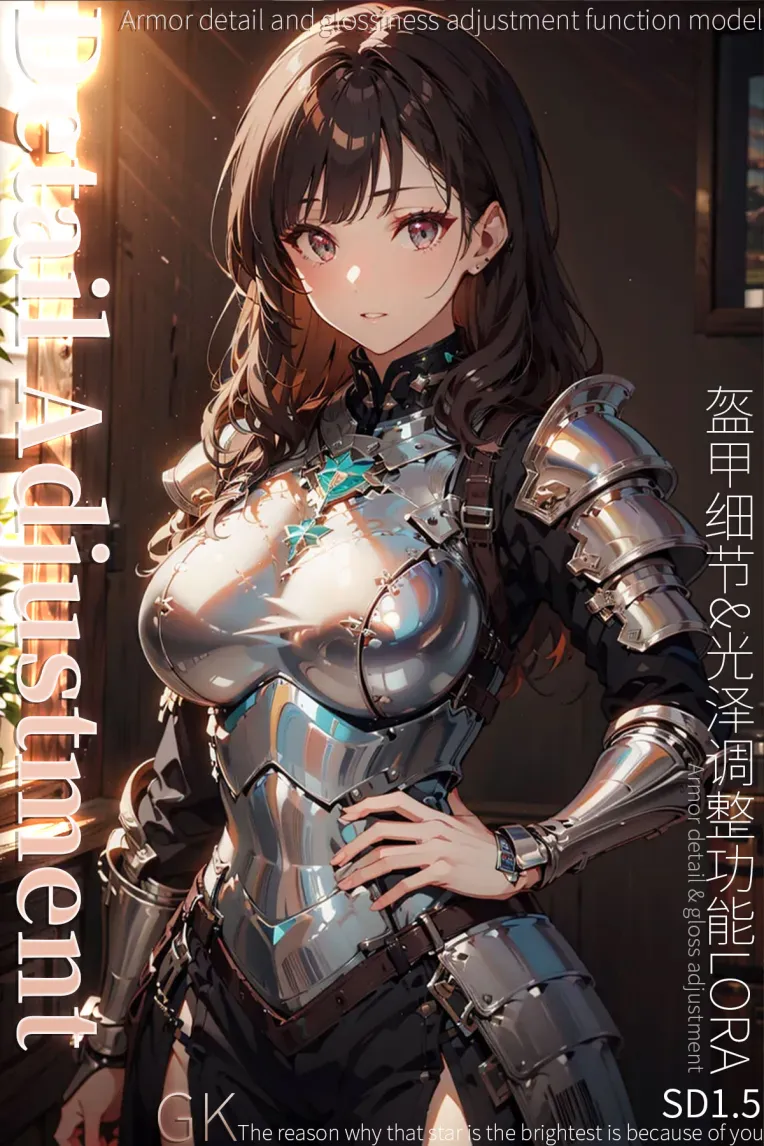
 Image info
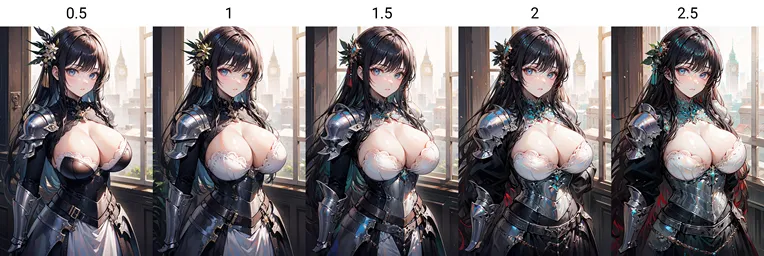 Image info
【Armor Details & Gloss Adjustment v1.0】
Please remember to return the pictures!
Its feature is that the details and glossiness of the armor can be enhanced or weakened, the 2D effect is good, and the 7-level clone effect is the best! (Very slight changes to the picture, high degree of picture restoration)
The sample pictures are all 4090 local pictures, and the effect is different from the online generation!
Recommended large model: SD1.5 large model series universal (you are welcome to try different large models and return pictures)
<Prompt words>
Recommended LoRa weight: weaken -1~-2, enhance 1~2
Trigger word: opalsheenarmor
Recommended prompt words: full armor, helmet, (masterpiece:1.2), best quality, highres, original, (extremely detailed CG:1.2), perfect lighting, 8k wallpaper, illustration, lens 135mm
Recommended negative prompt words: (EasyNegative:1.2), badhandv4, (worst quality:2), (low quality:2), (normal quality:2), lowres, ((monochrome)), ((grayscale)), skin spots, acnes, skin blemishes, age spot, (ugly:1.331), (duplicate:1.331), (morbid:1.21), (mutilated:1.21), mutated hands, (poorly drawn hands:1.5), blurry, (bad anatomy:1.21), (bad proportions:1.331), extra limbs, (disfigured:1.33 1), (missing arms:1.331), (extra legs:1.331), (fused fingers:1.61051), (too many fingers:1.61051), (unclear eyes:1.331), bad hands, missing fingers, extra digit, (((extra arms and legs))), text, error, fewer digits, cropped, jpeg artifacts, signature, watermark, username
The negative prompt words here are better adapted to 2D
You are welcome to add them and try to use different elements or common prompt words~
<Generation parameters>
Sampling method: DPM++2M
Iteration steps: 25+
Recommended size: 1:1/2:3/3:2/3:4/4:3/9:16/16:9 (other sizes are welcome to try)
Prompt word guidance coefficient (CFG): 5-7
It is recommended to perform 1.8~2x HD repair with 512*768 resolution
If you pursue higher precision, use HD enlargement, and the redraw amplitude is recommended to be 0.35-0.5.
HD enlarged model is recommended to use: 4x-UltraSharp
<Notes>
There is a probability that problems with hands, body, and limbs will occur in the generation, and multiple card draws are required!
If conditions permit, it is recommended to download for local use~
The local model name is for archiving, so there is no need to mind the LORA model name in the example image, just use it normally.
It is recommended that the output resolution should not be lower than 512*768.
When the resolution is low, the character's face will be blurred.
It is recommended to open ADetailer and check Enable, and select face yolov8n to repair it!